
Best Seller Icon Bestseller

CERTIFICATE In AUTOCAD CIVIL (REGULAR)(S-AC(-8438)

  • Last updated Jan, 2026
  • Certified Course
₹6,500

Course Includes

  • Duration2 Months
  • Enrolled1
  • Lectures50
  • Videos0
  • Notes0
  • CertificateYes

What you'll learn

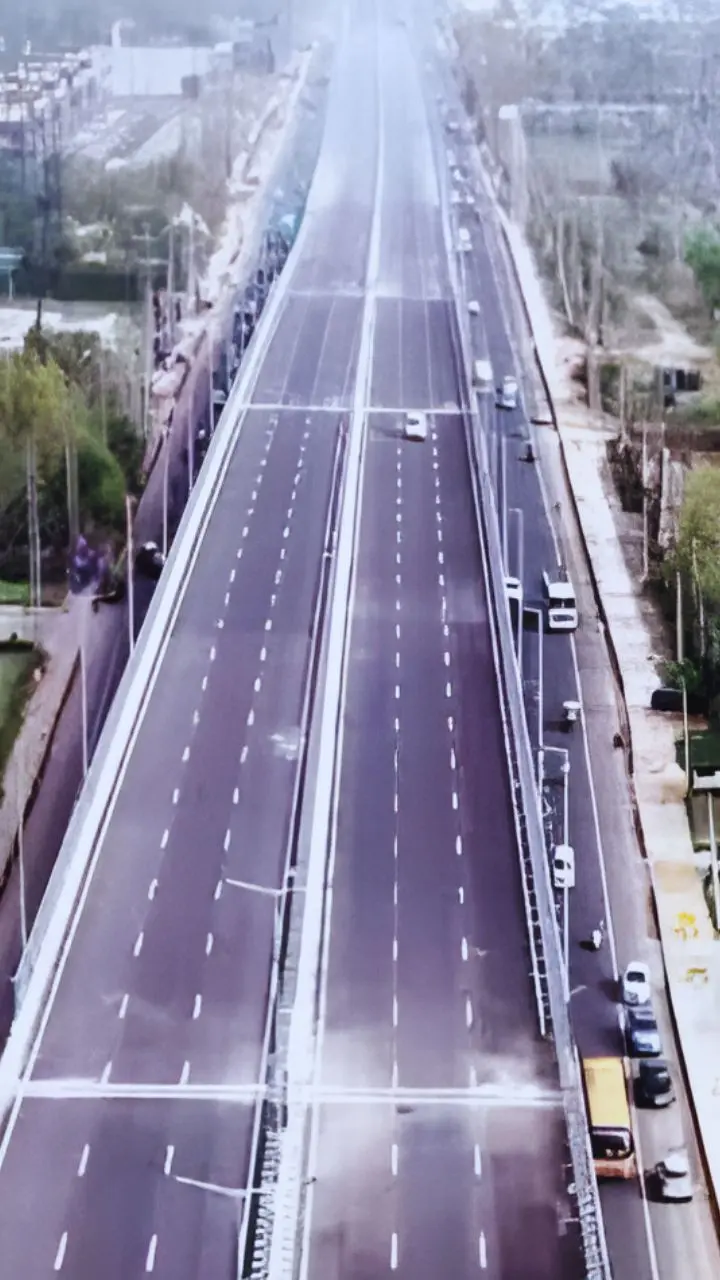
AutoCAD Civil (Civil 3D) is a civil engineering design software used for planning, designing, and documenting infrastructure projects like roads, railways, land development, and drainage systems. It supports dynamic 3D models, surfaces, alignments, and profiles to improve design accuracy and efficiency.


Show More

Course Syllabus

1. AutoCAD Basics (Must-Know)

  • AutoCAD interface & workspace (Model space vs Layout)
  • Coordinate system (Absolute, Relative, Polar)
  • Drawing limits, units (Architectural / Engineering)
  • Object selection methods

2. Drawing & Modify Commands

Drawing Commands

  • Line, Polyline (PL)
  • Circle, Arc
  • Rectangle, Polygon
  • Spline
  • Hatch & Gradient

Modify Commands

  • Move, Copy, Rotate, Scale
  • Offset (very important for walls/roads)
  • Trim, Extend
  • Fillet & Chamfer
  • Mirror
  • Stretch

3. Layers & Object Properties (Very Important)

  • Layer creation & management
  • Color, linetype & lineweight
  • Layer standards for civil drawings
  • Freeze, Lock & On/Off layers
  • ByLayer concept

4. Annotation & Text

  • Text styles (Single line & Multiline text)
  • Dimensions:
  • Linear, Aligned, Angular
  • Radius, Diameter
  • Dimension styles (ISO / Custom)
  • Leaders & Multileaders
  • Scaling text & dimensions

5. Blocks & References

  • Creating blocks (Doors, windows, symbols)
  • Editing blocks (BEDIT)
  • Dynamic blocks
  • WBLOCK
  • External references (XREF) – site plans & master drawings

6. Civil Engineering Drawing Topics (Core Area)

Building Drawings

  • Site plan
  • Center line plan
  • Foundation layout
  • Column layout
  • Plinth beam layout
  • Floor plans
  • Section & elevation

Infrastructure Drawings

  • Road plan & alignment
  • Road cross-sections
  • Drainage layout
  • Water supply layout
  • Sewer line drawings

7. Layout, Scale & Plotting (Very Important)

  • Paper space vs Model space
  • Viewports
  • Setting drawing scale
  • Title block setup
  • Page setup
  • Plot styles (CTB / STB)
  • Printing as per scale (1:50, 1:100, 1:200)

8. Advanced Tools for Civil

  • Polyline editing (PEDIT)
  • Measure & Divide
  • Area & distance calculation
  • Quick Select & Properties palette
  • Match properties (MA)
  • Tool palettes

9. Survey & Site Related Topics

  • Importing survey data
  • Drawing contour lines (basic)
  • Coordinates & point plotting
  • North direction & legends
  • Levels, spot heights, benchmarks

10. Standards & Best Practices

  • CAD drawing standards for civil
  • File management & naming
  • Layer naming conventions
  • Revision control
  • Error checking (overlaps, scaling issues)


Course Fees

Course Fees
:
₹6500/-
Discounted Fees
:
₹ 6500/-
Course Duration
:
2 Months

Review

0.0
Course Rating (0 reviews)
0%
0%
0%
0%
0%